


You can’t answer everyone
A customer gets in touch while your team is busy. An agent handles the enquiry in a connected channel and asks what they need.
For businesses with recurring calls and messages
Answer from your company’s materials, handle enquiries and save conversation outcomes.
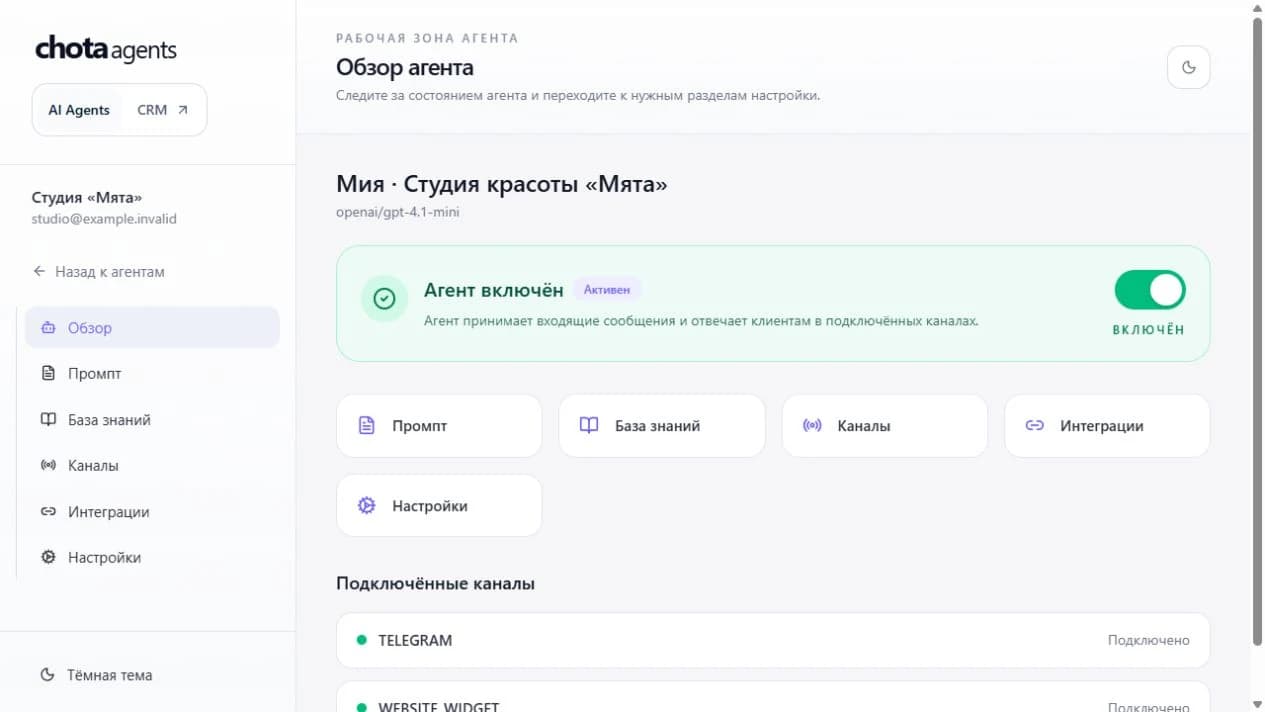
Create an agentWe set up voice with you: choose a scenario, connect a number and test the calls.
Sound familiar?
A customer gets in touch while your team is busy. An agent handles the enquiry in a connected channel and asks what they need.
Prices, services, opening hours. Add your company’s materials so the agent can use them in its answers.
A transcript and saved task remain after the conversation, giving your team a clear next step.
From setup to your first enquiry
A workflow for service businesses, appointments, sales and support.
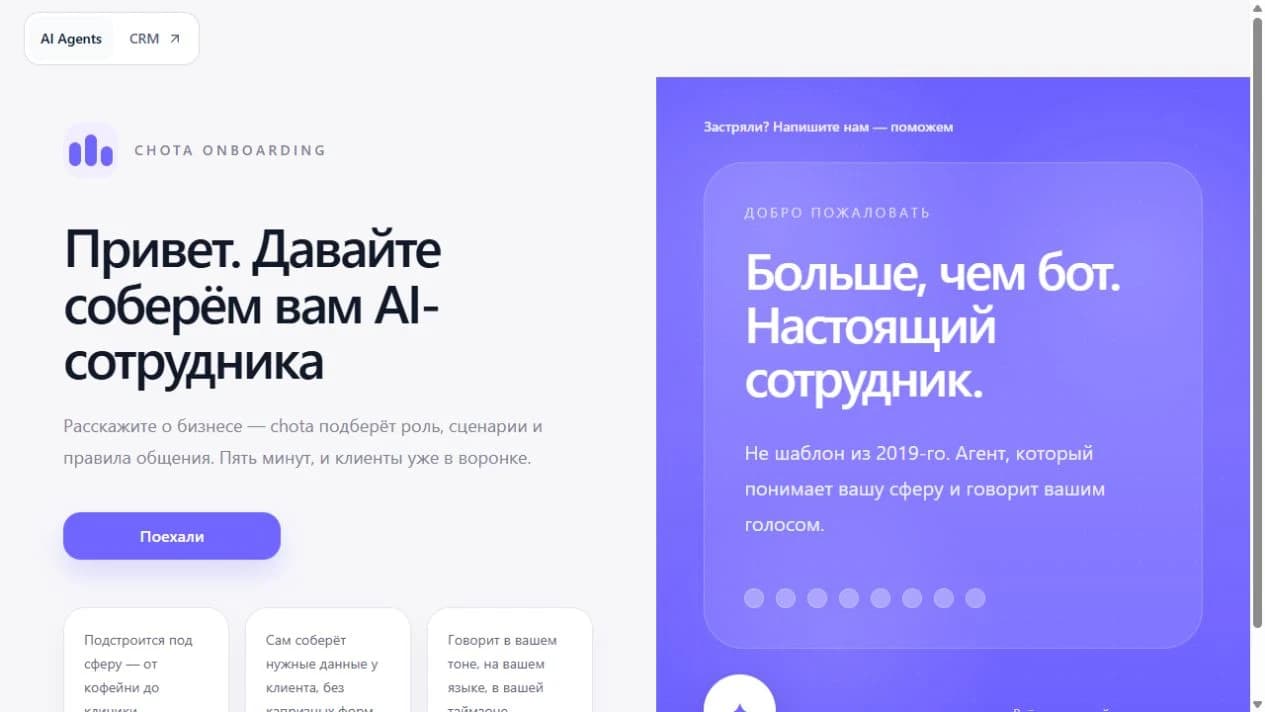
Describe your company, the agent’s role and the task it helps customers with.
Voice agent · pilot
The agent takes the call, clarifies the request and saves the outcome. This anonymised example is based on a product demonstration.
01 / Call
02 / Transcript excerpt
Customer
Could you call me back after five today?
Agent
I’ll save a task to call you back today after 5 pm.
03 / Saved task
Today, after 5 pm
Task saved in the appThis example saves a task and the conversation outcome. Delivery to your CRM or another service is configured and tested separately.
Pricing
Estimate your agent’s monthly cost. Phone connection and carrier terms are agreed separately.
Start using an agent and test your voice workflow.
150 BYN / month
31 Chotacoins per minute = 0.31 BYN / min
Enter a whole number from 0 to 50,000 or move the slider.
Chotacoins are a voice cost estimate unit: 1 Chotacoin = 0.01 BYN.
Phone number and carrier services are charged separately under the connection terms.
The Chota team arranges the new plan. We launch voice as a pilot with the Chota team: agree on the workflow, configure the connection and test calls.
Create an agentImplementation around your company’s processes, with support from the Chota team.
Create an agent, then open Channels → Phone calls. Leave your contact details for setup. The number starts taking calls after configuration and testing with the Chota team.
From the instructions and materials you add: services, prices, policies and common questions. Test it with your customers’ questions and set rules for requests your materials don’t cover.
During the pilot, we agree when the agent should stop the automated flow and save a task for your team. Call transfers, notifications and CRM actions depend on your connection and are tested separately.
Phone numbers and carrier charges depend on connection terms. Message volumes, custom integrations and deployment on your servers are quoted separately. The calculator shows the subscription and selected voice minutes.
They currently express the estimated price on this website. The team arranges the new plan. The calculator does not top up a balance or change an existing subscription.

Add your company’s materials and check the answers. We’ll set up voice together.
Create an agent