

Product Development
How we select and route models in Chota
Provider catalogs change quickly. We show a model as available only after checking its official status and its presence in the working Chota product.
Product Development
Provider catalogs change quickly. We show a model as available only after checking its official status and its presence in the working Chota product.
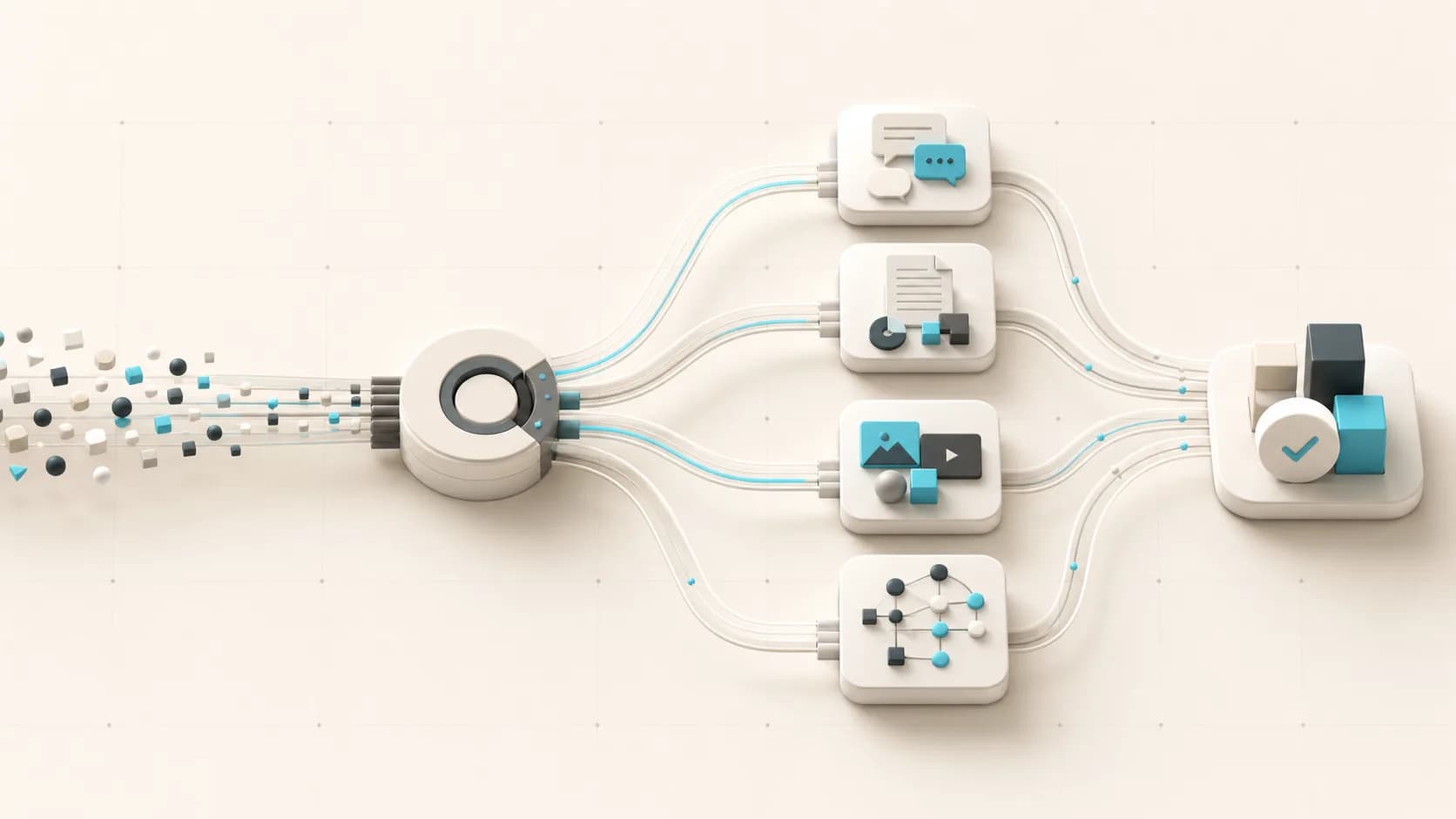
A quick answer to a common question, a long-document review, and a multi-step integration action have different requirements. The largest model is not always the best business choice: it can be slower and more expensive where a simpler route is sufficient.
We evaluate a scenario across four dimensions: accuracy on real examples, response latency, supported context, and predictable usage cost.
First we check the name, status, and limitations in the provider's official documentation. We then confirm that the model is present in Chota's working configuration and passes our scenario tests. Only after both checks can it be shown to a customer as an available option.
For this update we removed the previous list of specific models because the website must not get ahead of the actual product configuration. The current selection is shown inside the Chota workspace during setup.
For customer conversations we repeat the same tests: a question grounded in the knowledge base, an ambiguous request, refusal to invent a fact, correct human handoff, and operation of a connected action. A model change is not an improvement if it only wins on a showcase example.
A first-hand look at Chota's document workflow: how business materials become agent context, what must be tested, and why a knowledge base does not replace process ownership.
A practical comparison across channel, knowledge, actions, human handoff, and integrations without assuming every business needs an AI agent.